



Jump to content
View in the app

A better way to browse. Learn more.

Tinkerunity

A full-screen app on your home screen with push notifications, badges and more.

To install this app on iOS and iPadOS
  1. Tap the Share icon in Safari
  2. Scroll the menu and tap Add to Home Screen.
  3. Tap Add in the top-right corner.
To install this app on Android
  1. Tap the 3-dot menu (⋮) in the top-right corner of the browser.
  2. Tap Add to Home screen or Install app.
  3. Confirm by tapping Install.

Wailer

Members
  • Benutzer seit

  • Letzter Besuch

  1. Yes, I did and it's still the same.
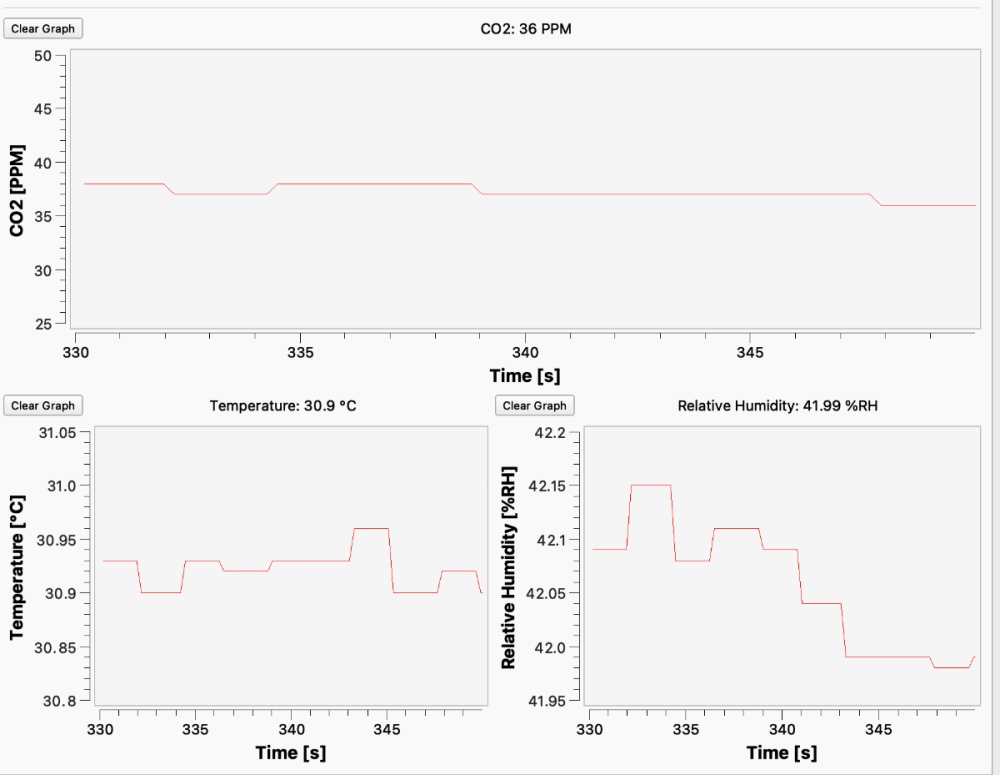
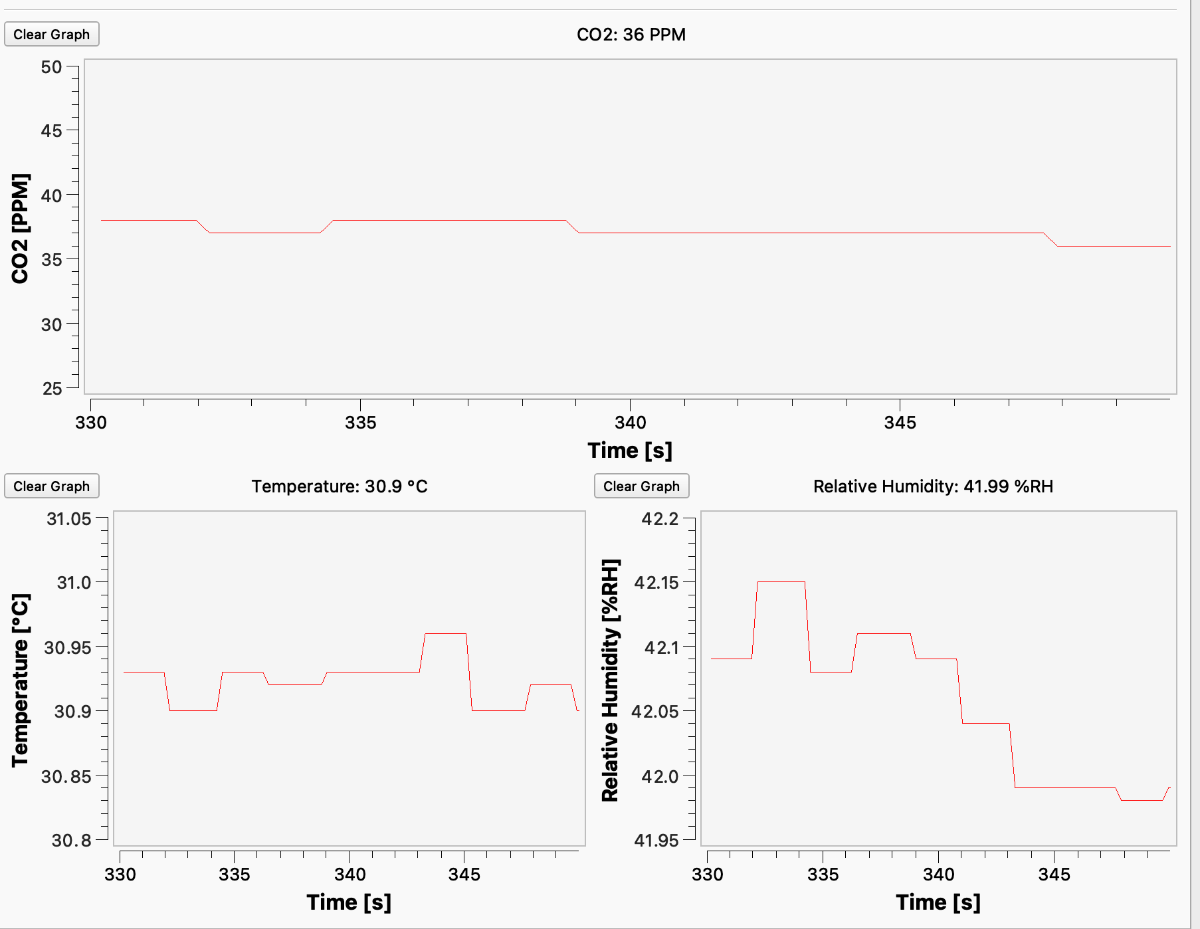
  2. Yes, it used to calibrate to 400 ppm and it didn't drop below that. But now it drops to 0 ppm. It's been like that for weeks. Note that the values still vary in a meaningful manner, but the minimum value is now 0 ppm rather than 400 ppm.
  3. Hi, I have a tinkerforge weather station to which I added a CO2 bricklet, among other sensors. Recently, the CO2 bricklet has started displaying inaccurate values, sometimes dropping to 0 ppm, even though the minimum reading should be around 400 ppm. Do you have any idea what might be causing this issue? Should I consider replacing the bricklet?
Configure browser push notifications

Chrome (Android)
  1. Tap the lock icon next to the address bar.
  2. Tap Permissions → Notifications.
  3. Adjust your preference.
Chrome (Desktop)
  1. Click the padlock icon in the address bar.
  2. Select Site settings.
  3. Find Notifications and adjust your preference.